
The 3-Hour Secret: Building a Homeschool Routine That Actually Sticks
Here's a question I get from almost every new homeschool family: "How do I recreate the school day at home?"
And here's my favorite answer to give: you don't. 🐝
The school day is seven hours because it has to move 25 kids through hallways, lunch lines, and transitions. Your learner doesn't need any of that. Once you strip away the logistics, the actual learning fits into a much smaller — and much calmer — window. Let's build it.
RHYTHM BEATS SCHEDULE
First, a mindset shift that will save your sanity: aim for a rhythm, not a minute-by-minute schedule.
A schedule says "Math happens at 9:00." A rhythm says "Math happens after breakfast." See the difference? The second one survives a rough morning, a dentist appointment, and a kid who woke up on the wrong side of the bed. The order of the day stays steady — the clock stays flexible.
Kids genuinely thrive on predictability. Knowing what comes next lowers resistance ("first math, then free reading") far better than negotiating every block from scratch. But predictability doesn't require rigidity. Anchor the order, loosen the times.
THE 3-HOUR SECRET: HOW MUCH TIME CORE SUBJECTS ACTUALLY NEED
This is the number that surprises everyone. Focused, one-on-one (or small group) learning is dramatically more efficient than classroom learning. For most elementary learners, core academics fit comfortably into 2–3 hours a day:
Grades 1–2: about 1.5 to 2 hours total. Think 15–20 minute blocks: reading practice, math, handwriting or phonics, and a read-aloud. Little learners have little attention tanks — short and consistent beats long and tearful.
Grades 3–4: about 2 to 2.5 hours. Blocks stretch to 20–30 minutes: math, reading and writing, then science or social studies on alternating days. (Yes, alternating is allowed! Nobody needs all four subjects every day.)
Grades 5–6: about 2.5 to 3.5 hours. Blocks of 30–45 minutes, more independent work, and bigger projects that span several days.
A handy rule of thumb: a child can typically hold focused attention for roughly 2–5 minutes per year of age. A seven-year-old grinding through a 60-minute math block isn't building character — they're building a grudge against math. Short blocks, real breaks, better learning.
And if some days the core work takes 90 minutes and other days it takes four hours because fractions are being fractions? Both of those are normal homeschool days.
PERSONAL INTERESTS AREN'T THE LEFTOVERS — THEY'RE THE POINT
Here's where homeschooling stops being "school at home" and starts being an actual advantage: the hours you saved belong to your child's interests.
Give personal passions real, protected space on the schedule — I'd argue at least as much time as any single core subject. Coding, horses, baking, drawing manga, building elaborate Minecraft economies, taking apart old radios: this is not the dessert after the vegetables. Interest-led time is where kids learn to go deep, sustain effort, and think of themselves as people who get good at things.
A quiet bonus for parents: a child who knows their passion time is protected fights the math block a whole lot less.
GIVE THEM SOMETHING TO LOOK FORWARD TO
Structure works best when there's light at the end of it. A few ideas that pull the day forward:
- The "when–then" frame: "When the checklist is done, then it's trampoline time." It's not a bribe — it's an order of operations, and it puts the child in control of how fast they get there.
- Fun Friday: keep Fridays lighter — games, experiments, library trips, park meetups, baking that sneaks in fractions. A weekly finish line changes the whole week's energy.
- The done-is-done rule: when the list is complete, school is over. No quietly adding "one more worksheet" to a kid who finished early — that teaches them that working efficiently gets punished. Finished at 11:30? Freedom at 11:30. That's the deal, and keeping it is what makes the routine trustworthy.
DON'T FORGET TO CHALLENGE THEM
Realistic hours aren't low expectations. With the busywork gone, you have room to raise the bar where it counts:
- Let them work at their actual level, not their grade label — ahead in reading, needs more time in math, both are fine and both are the point.
- Trade some worksheet time for a stretch project: a research poster, a short story, a small business plan for a lemonade stand, a bridge that has to hold five pounds.
- Teach it back: the fastest way to find out if they really understand something is to have them teach it to you (or a very patient dog).
The goal of a shorter day isn't less learning. It's denser learning with room left over for depth.
A WORD FOR PARENTS WHO ARE ALSO WORKING (I SEE YOU)
If you're homeschooling around a job, please hear this: your school day does not have to look like anyone else's, and it definitely doesn't have to happen between 8 and 3.
- School can happen in the evening, in two split shifts, or heavier on weekends. The state doesn't grade your clock.
- Build an independent block: a written checklist of 2–3 things your learner can do solo (practice apps, assigned reading, review pages) while you're in a meeting. Even young kids can run a 30–45 minute checklist once it's routine.
- Batch your hands-on time: save the teaching-heavy subjects for the hours you're actually free, and let practice and reading fill the gaps.
- Lower the bar on the hard days. A read-aloud and a math app on your worst Tuesday still counts. Consistency over intensity, always.
Some days will run like clockwork. Some days will be cereal for lunch and a documentary. Both kinds of days add up to an education. 💛
GRAB THE TEMPLATE
To make this easy, I built you a simple Daily Rhythm template — a one-page planner with flexible time blocks, a when–then rewards box, a weekly overview, and a challenge-of-the-week line. Print it, edit it, laminate it if you're feeling fancy.
✏️ Type in your own copy (Google Docs): "Get the Daily Rhythm Template"
🖨️ Print it and fill it in by hand (PDF): "Get the Daily Rhythm Template"
P.S. New here? I'm Lisa — I run Honeycomb Learning Collective, a small-group virtual microschool for Arizona ESA families in grades 1–6. Whether your learner is with us or learning at your kitchen table, I'm cheering for you. Questions about routines or getting started? Reply anytime — no pressure, just help. 🐝
With you every step,
Lisa Walter, M.Ed.
Founder & Lead Educator, Honeycomb Learning Collective
Funded Yet? When Your ESA Money Actually Arrives 🐝
Can you buy curriculum before your ESA funds land? When to realistically expect Q1 money — and the smart things to do while you wait.
Happy first-day-of-the-quarter! 🎉 July 1 kicks off Q1 of the ESA year, which means a question is flooding my inbox right now:
"Can I go ahead and buy curriculum and school supplies before my funding shows up?"
It's the right question to ask — and the answer will save you a real headache, so let's walk through it.
The short answer: wait for the funds to land
Here's the thing about ESA that trips up almost every new family: you spend the money that's actually in your ClassWallet account. When you shop the ClassWallet marketplace or pay a registered vendor, the cost comes straight out of your balance — no fronting your own cash, no waiting on a check.
What that means in plain terms: you can't have ClassWallet pay for a curriculum set before your quarterly funds are deposited. And paying out of your own pocket first, hoping to get reimbursed later? That's the path I'd steer you away from. Reimbursement is limited, it's not guaranteed, and it's the #1 way families end up out real money or tangled in paperwork. Patience here genuinely pays.
So when will the money show up?
Let's set honest expectations, because "soon" isn't a plan. 😅
If you're a renewing family: Once you sign your Q1 contract, disbursement requests are usually processed in the back half of the month — roughly the 15th to the 30th — and funds tend to appear about 5–7 business days after that. So a request early in July might land mid-to-late July.
If you're brand-new to ESA: Budget around three weeks from signing your contract for ClassWallet to be set up and your first deposit to arrive — sometimes longer, since the application itself can take up to 30 days to process.
And the part I want you to hear: Q1 is the busiest funding window of the entire year. Every back-to-school family is in line at once, and delays happen. Some families in past years didn't see funds until the very end of the month. So if your money isn't there on July 5, you are not doing anything wrong — you're just in the summer rush. 💛
What to do while you wait (this is the good part)
Waiting doesn't mean wasting time. Here's your productive-waiting checklist:
Build your carts, don't check out. Add curriculum and supplies to your ClassWallet marketplace cart now so you're ready to hit "order" the second funds post.
Make your list. Jot down the curriculum, supplies, and services you're planning for the year. (Last week's Learning Nook post has a supply starter list if you need one.)
Save your links and vendor names. Confirm the providers you want are registered in ClassWallet so there's no scramble later.
Check your portal — but don't panic-refresh. Watch your email and ESA portal for your disbursement notification. That's your green light.
A quick ESA reminder
When your funds do land and you start buying: choose the right ClassWallet category for each item, and save every receipt. Q1 purchases (July 1–September 30) need to be documented by October 31 — set a reminder now so it's not a fire drill in the fall.
When in doubt on whether something's eligible, ClassWallet shows you the category before you buy. Slow is smooth, smooth is fast.
P.S. New here? I'm Lisa — I run Honeycomb Learning Collective, a small-group virtual microschool for Arizona ESA families in grades 1–6. ESA can feel like a lot at first, and you don't have to figure it out alone. Reply anytime, or book a quick info session — no pressure, just here to help. 🐝
With you every step,
Lisa Walter, M.Ed.
Founder & Lead Educator, Honeycomb Learning Collective
Your Learning Nook
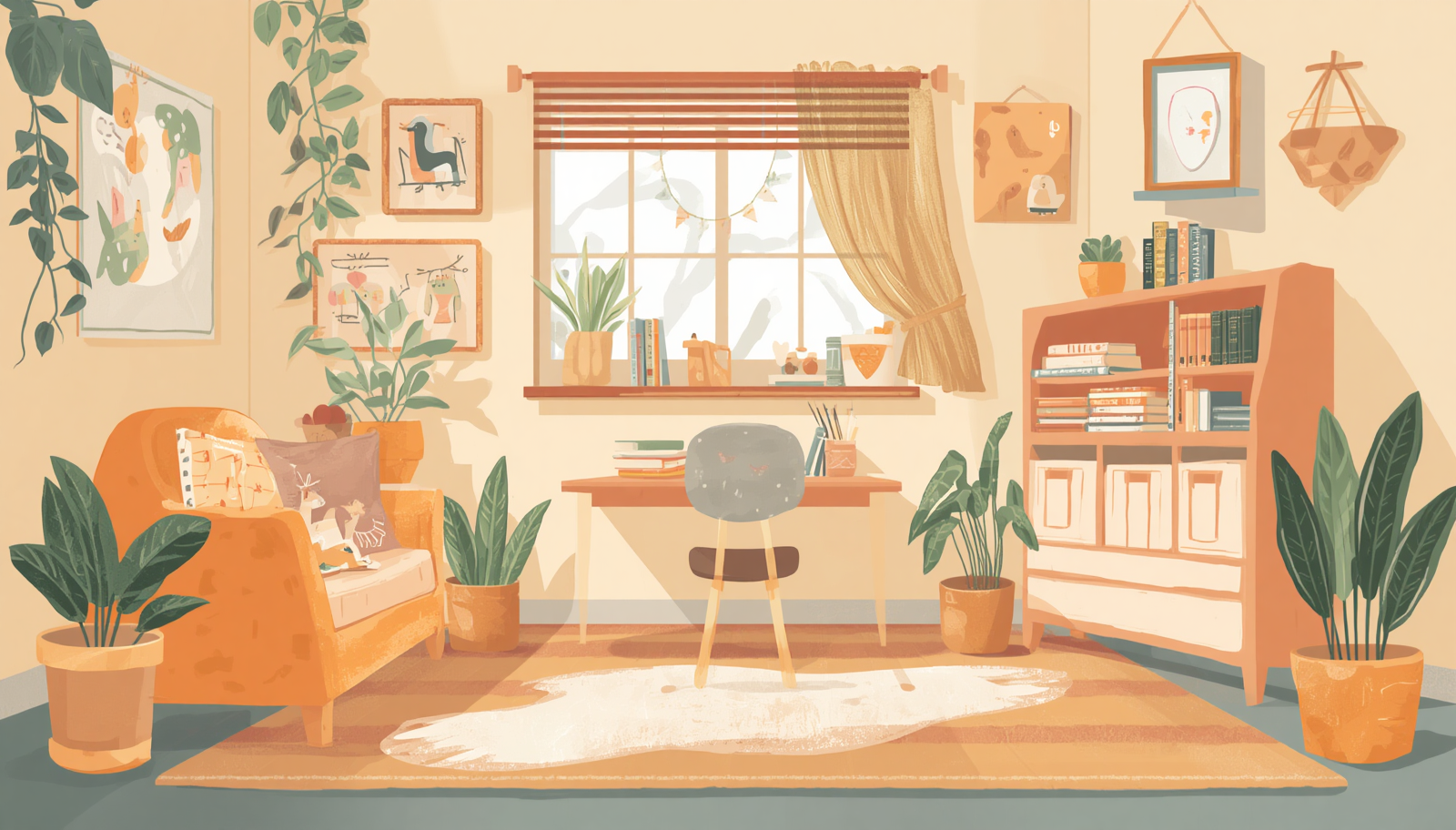
Setting up a space that works for your learner — no Pinterest board (or big budget) required.
Setting up a space that works for your learner — no Pinterest board (or big budget) required.
Welcome back to Bee Prepared! This week we’re tackling the learning space — the spot where your child will log in, focus, and do their best work this year. Whether they’re in 1st grade or 6th, a good little setup makes the whole day smoother.
First, a permission slip: you do NOT need a color-coded, Pinterest-perfect classroom. Truly. The fanciest setup in the world won’t teach your child, and the simplest corner can work beautifully. Let’s keep this easy.
The three things that actually matter
A great learning spot really only needs three things:
Good light. Natural light is ideal; a simple desk lamp fills in the rest. Squinting at a screen in a dim room wears everyone out.
A charged device. Pick a spot near an outlet so the laptop is never dead at class time. A charging cord that lives right there saves a daily scramble.
Low distraction. Away from the TV and the busiest foot traffic in the house. It doesn’t need to be quiet as a library — just calm enough to focus.
Everything beyond those three is a bonus. Start there and you’re already set.
Work with what you’ve got
A kitchen-table corner, a desk against the wall, a closet turned into a cozy nook — any of these works, and you don’t need a dedicated room. If you’re sharing the kitchen table, a rolling cart or a simple caddy lets your child “pack up” school at the end of the day, which helps them mentally clock out, too.
Small things that punch above their weight
A supply caddy. Pencils, scissors, glue, paper, a few markers — all in one spot so a hunt for scissors doesn’t derail a lesson.
Headphones. A lifesaver if you have more than one learner, background noise, or a child who focuses better with the world tuned out.
A small whiteboard or notebook. Perfect for working out math, brainstorming, or a quick game of hangman during a brain break.
Their input. Let your child help set it up — pick the chair, the spot, a little plant. Ownership makes them far more likely to actually sit down and use it.
A quick ESA note on supplies
Lots of these are ESA-eligible — but the category you choose in ClassWallet matters. Here’s the quick guide:
Desk, chair, storage, basic supplies: generally ESA-eligible. Just choose the right category in ClassWallet and keep your receipt.
Headphones or earbuds: eligible, but they must be filed as “supplemental material,” which means they need a quick curriculum note attached. A small step, but worth knowing before you check out.
When in doubt on any item, ClassWallet shows you the category before you buy — and saving your receipts as you go keeps everything tidy.
Make it theirs
The best learning space is simply one your child wants to sit in. A comfy chair, a spot to display finished work, a favorite mug of pencils — small touches do a lot. It doesn’t have to be perfect. It just has to be theirs, and ready for a great year.
P.S. New here? I’m Lisa — I run Honeycomb Learning Collective, a small-group virtual microschool for Arizona ESA families in grades 1–6. Wherever you are in your ESA journey, you’re welcome here. Reply anytime with questions, or book a quick info session to see how we work. No pressure — just here to help. 🐝
With you every step,
Lisa Walter, M.Ed.
Founder & Lead Educator, Honeycomb Learning Collective
Your ESA Tech Toolkit: A Simple, Budget-Friendly Setup
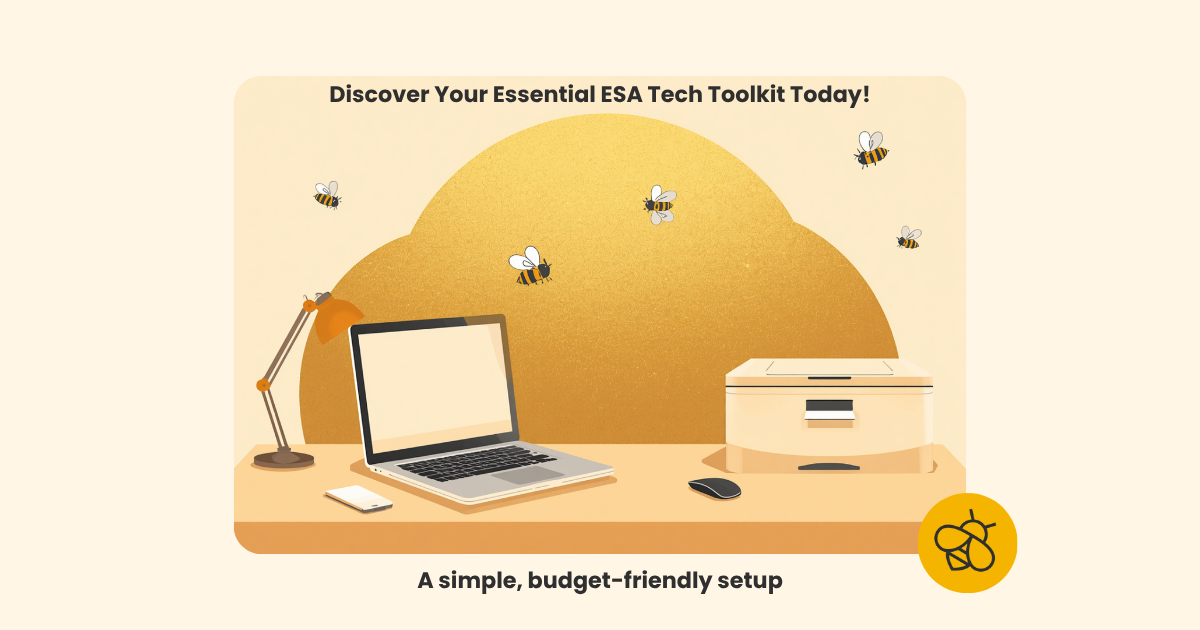
You don't need a fancy setup to start the school year strong. Here's a simple, budget-friendly ESA tech kit — laptop, mouse, and printer — plus how to cover it with your funds.
Welcome to Bee Prepared — a free summer series to help Arizona ESA families get ready for a smooth school year, one small step at a time. 🐝 We're starting with the practical stuff: the gear that makes learning at home (and ESA paperwork) so much easier, whether your child is in 1st grade or 6th.
Here's the good news right up front: you do not need a fancy, expensive setup. Most learning platforms run right in a web browser, so a simple kit does the job beautifully — and keeps things easy on your wallet.
Why a laptop, not a tablet
Tablets are great for a quick game or a read-aloud, but they make real schoolwork surprisingly hard. Whether your child is just learning the keyboard or writing full paragraphs and doing research, typing on a touchscreen turns every assignment into a slog. A basic laptop gives them a real keyboard, a bigger screen for seeing a teacher and a lesson at once, and something sturdier for daily use. A tablet is a treat; a laptop is a tool. For school, we want the tool.
The starter kit
A basic laptop or Chromebook. Since everything runs in a browser, a simple Chromebook (Acer, Lenovo, or ASUS, 11–14 inch) is the sweet spot. Look for a built-in camera and microphone for video classes, and a real fold-open keyboard — not a detachable tablet in disguise. ($150–$230)
A simple USB mouse. Trackpads are fiddly for everyone, and a plug-in mouse makes clicking and dragging smoother at every grade. Plug it in and you're done. ($8–$15)
An all-in-one printer. This one pulls double duty: print the occasional worksheet or reading passage, AND use the built-in scanner to save your ESA receipts and documentation. A budget inkjet that prints, scans, and copies is all you need. ($70–$90)
Most families land right around $260 for the whole kit. Already have a working laptop or printer at home? Even better — use what you've got and save those funds.
A few smart ESA shopping tips
No curriculum needed for these. Laptops and printers fall under ESA's "computer hardware and technological devices" category, which doesn't require a separate curriculum. Just choose that category when you check out in ClassWallet, and add your mouse to the same order. If you're ever unsure about an item, ClassWallet shows you the right category before you buy.
Plan it out now. ESA Q1 funds typically arrive in mid-July. Build your cart now — in the ClassWallet Marketplace or an Amazon list — so the moment your funds land, you can check out in a few clicks. No last-minute scramble.
Keep every receipt. Save or scan your confirmation as soon as it arrives. Staying on top of documentation now saves a headache later.
Keep it simple. A reliable, modestly-priced setup beats a pricey one every time — and sensible picks tend to sail through ESA approval most smoothly.
You've got this
Getting set up can feel like a lot when you're new to all this — totally normal. But a laptop, a mouse, and a little printer is truly all your learner needs to start the year ready to shine. One small kit, big confidence.
P.S. New here? I'm Lisa — I run Honeycomb Learning Collective, a small-group virtual microschool for Arizona ESA families in grades 1–6. Wherever you are in your ESA journey, you're welcome here. Reply anytime with questions, or book a quick info session to see how we work. No pressure — just here to help. 🐝
— Lisa Walter, M.Ed.